If a game asks you to use Ronin Wallet and you chose the traditional option, this guide takes you from the official download to a public address that is ready to use. Your recovery phrase controls the wallet. Store it safely before receiving money or NFTs. (Official guide)
Not sure which type of wallet you need? Start with Ronin Wallet: What It Is and Which Type You Need.
Before you start
Use a supported browser and a private place where nobody can photograph your screen. Prepare a way to store the phrase offline. Ronin Telegraph and legitimate support staff will never need to see it.
Create the wallet
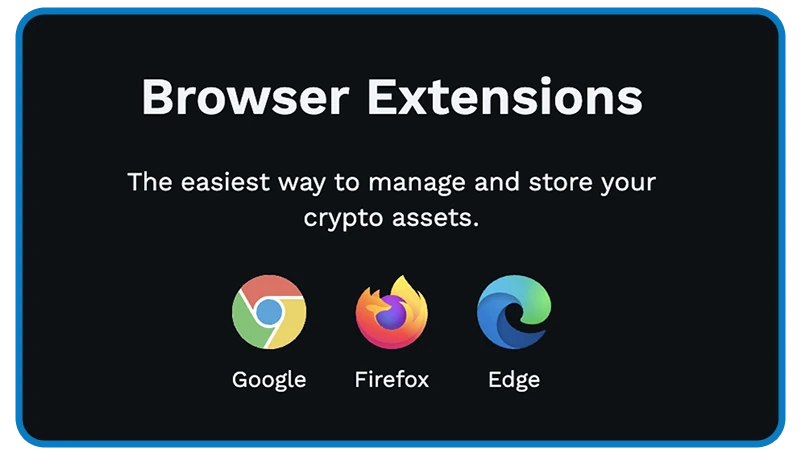
Step 1. Open wallet.roninchain.com and choose the official extension for your browser. Confirm that the store listing is official, then install and open it.
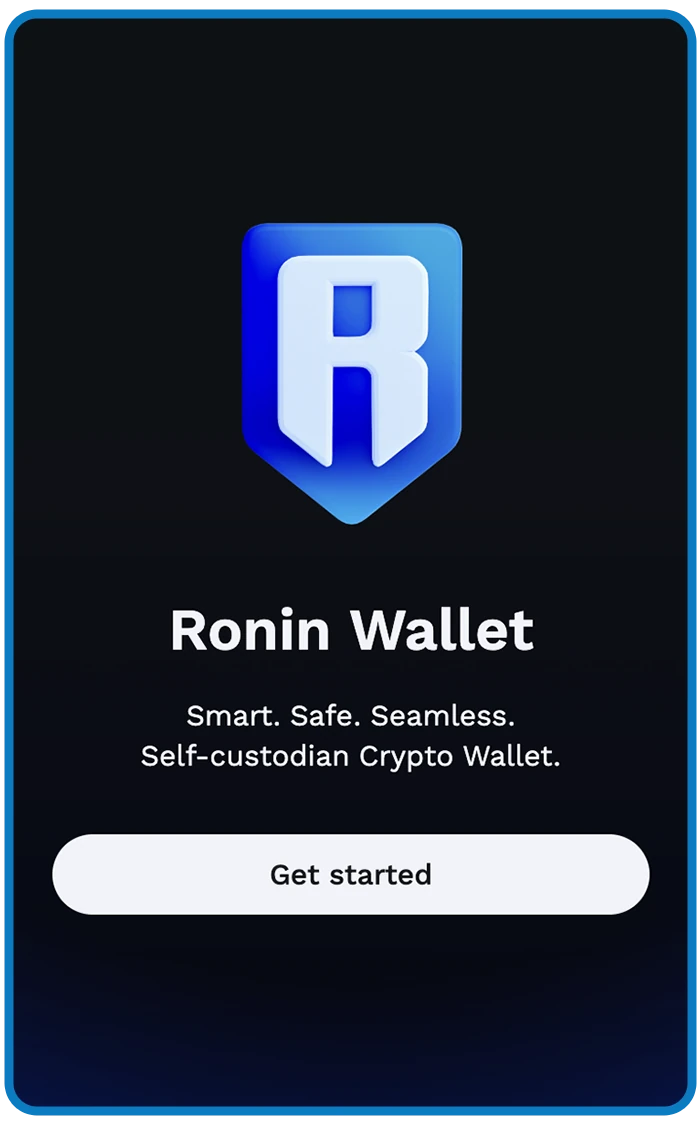
Step 2. In the extension, select Get started. On the next screen, create a new wallet instead of importing an existing one.
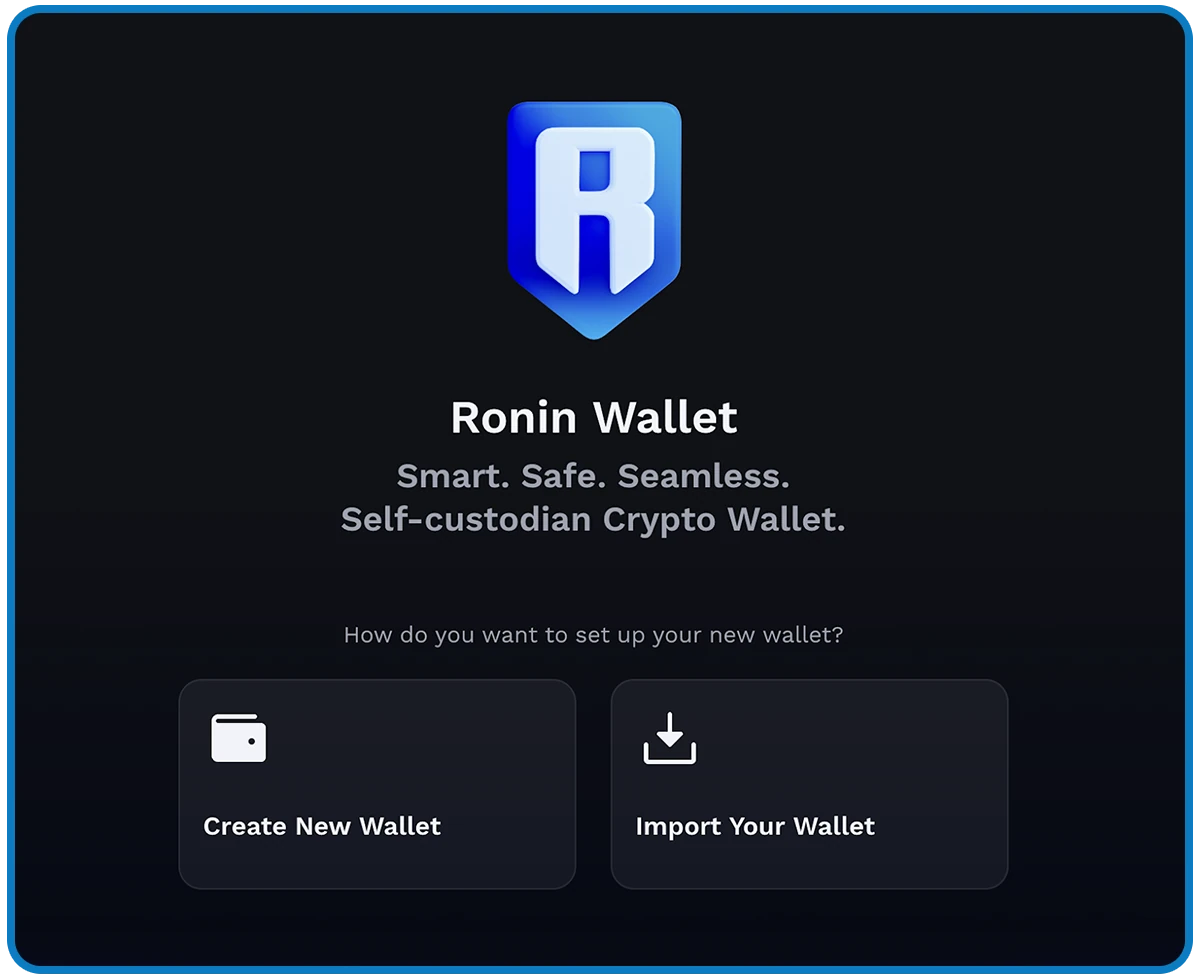
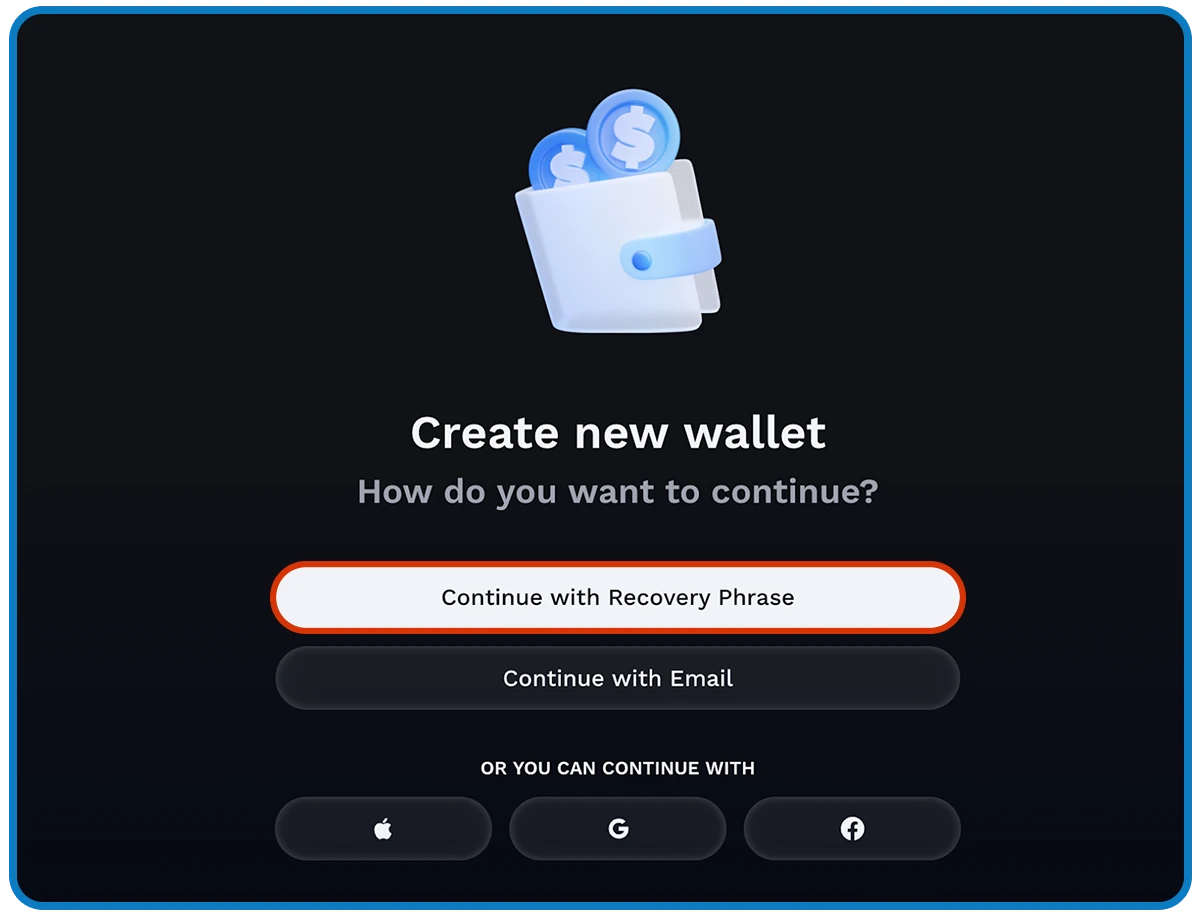
Step 3. Select Continue with Recovery Phrase. This creates a traditional wallet; it is not the social-login flow used by Stash.
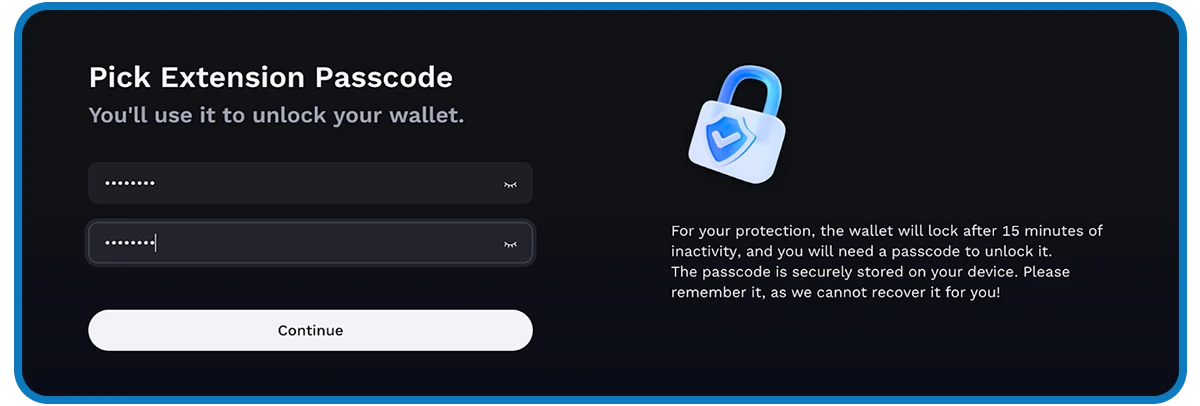
Step 4. Set the passcode used to unlock the extension on this device. It provides local access only and cannot restore the wallet if you lose the device.
Step 5. Copy the Secret Recovery Phrase exactly and in the correct order, then store it privately. Screenshots in the official guide are demonstrations; never use a phrase shown in an image.
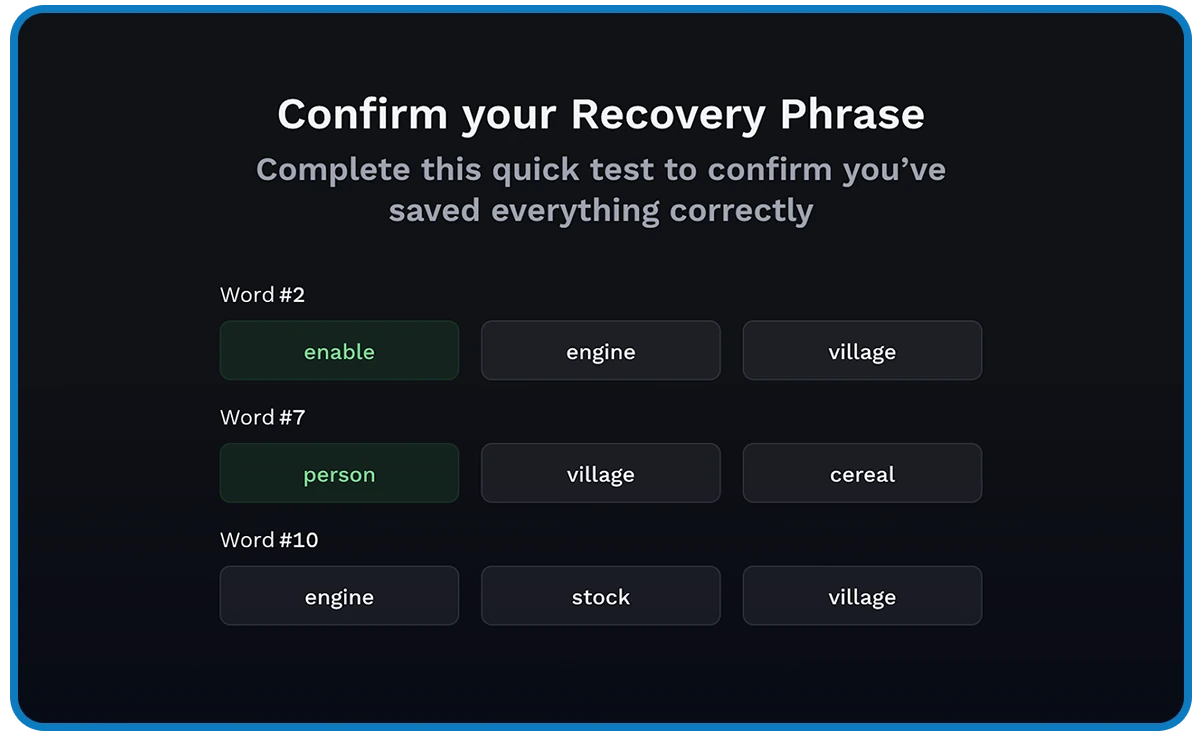
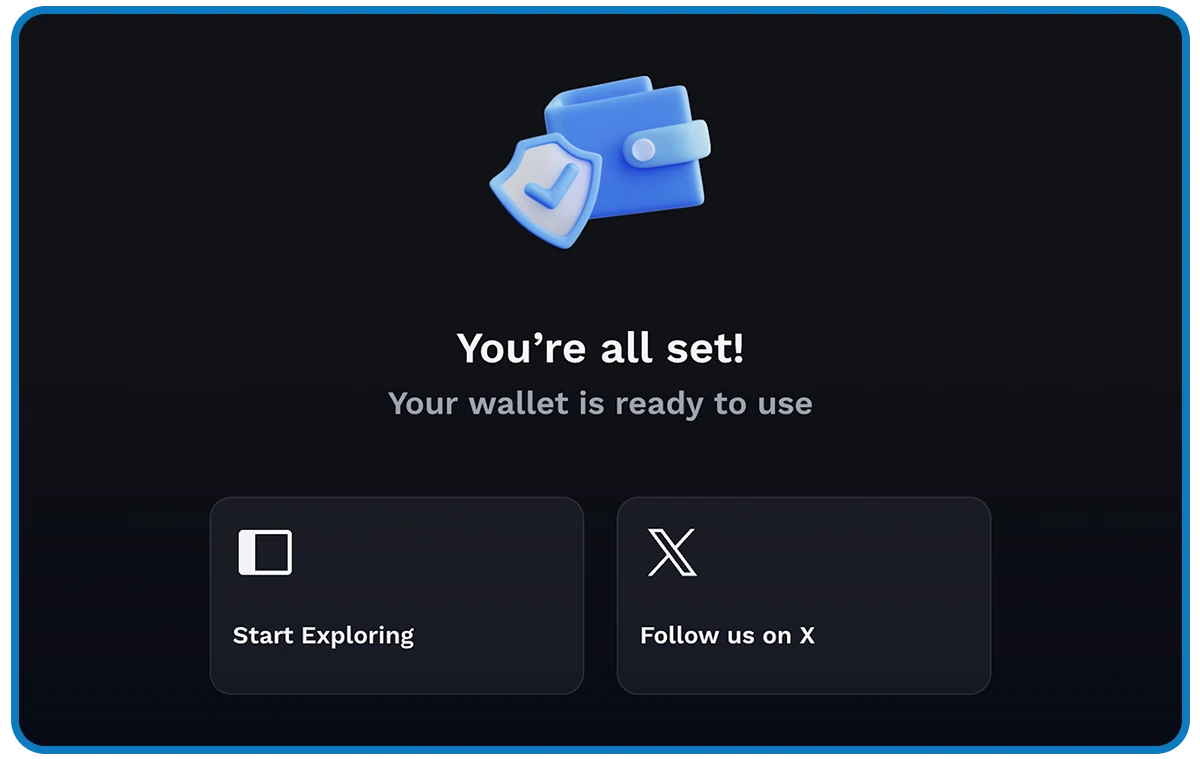
Step 6. Ronin will ask you to confirm selected words. Choose the words from your own saved copy and confirm that the wallet-created screen appears. (Official steps)
Check the result
Open the wallet selector and copy your public address. Compare the first and last characters whenever you paste it into another app. Share the address to receive assets; never share the recovery phrase. If you did not save the phrase but can still open the wallet, follow Ronin's official procedure to view and secure it before you lose access. A lost phrase cannot be recovered. (Ronin Support)
Next step: Connect your wallet only from a game's official website, and never enter your recovery phrase on a site to "connect" or "verify" it.