How do I build an Arena Deck without owning the units?
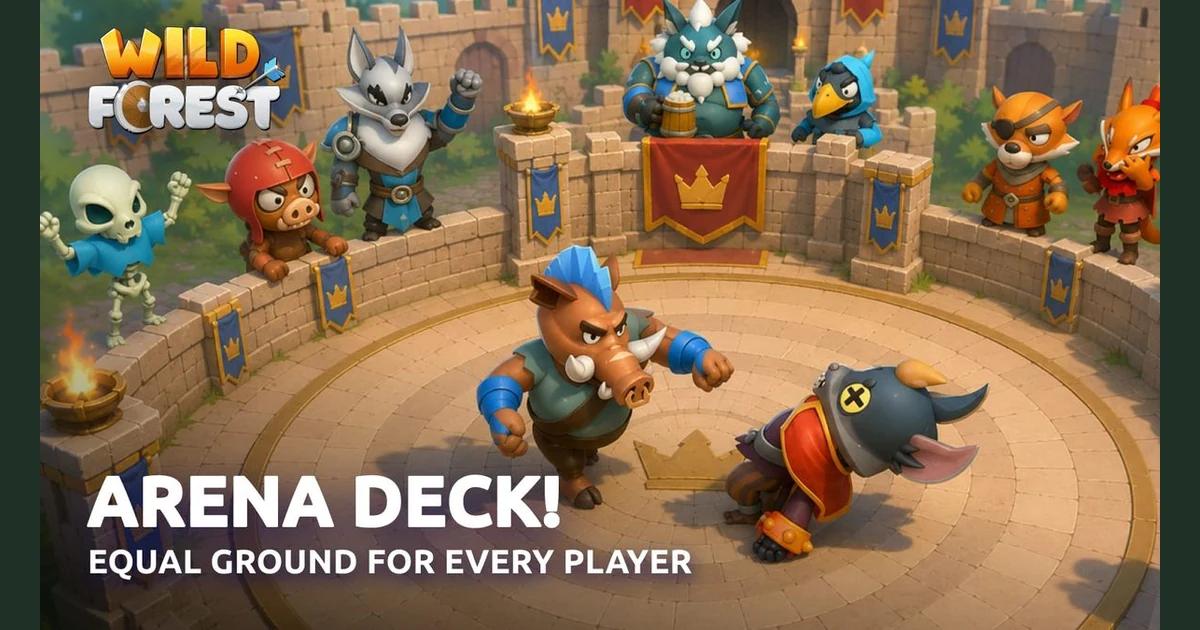
Open the deck builder and switch from Primary to Arena. Arena Decks let you experiment with units and their settings without first obtaining the corresponding NFTs. The official Arena introduction explains this separate deck system and its use in Arena and Private Battles.
Check which deck you are editing
Look at the Primary / Arena selector before making changes. With Arena selected, the lower section is labeled Arena Deck. This is the clearest check that you are working in the intended mode.
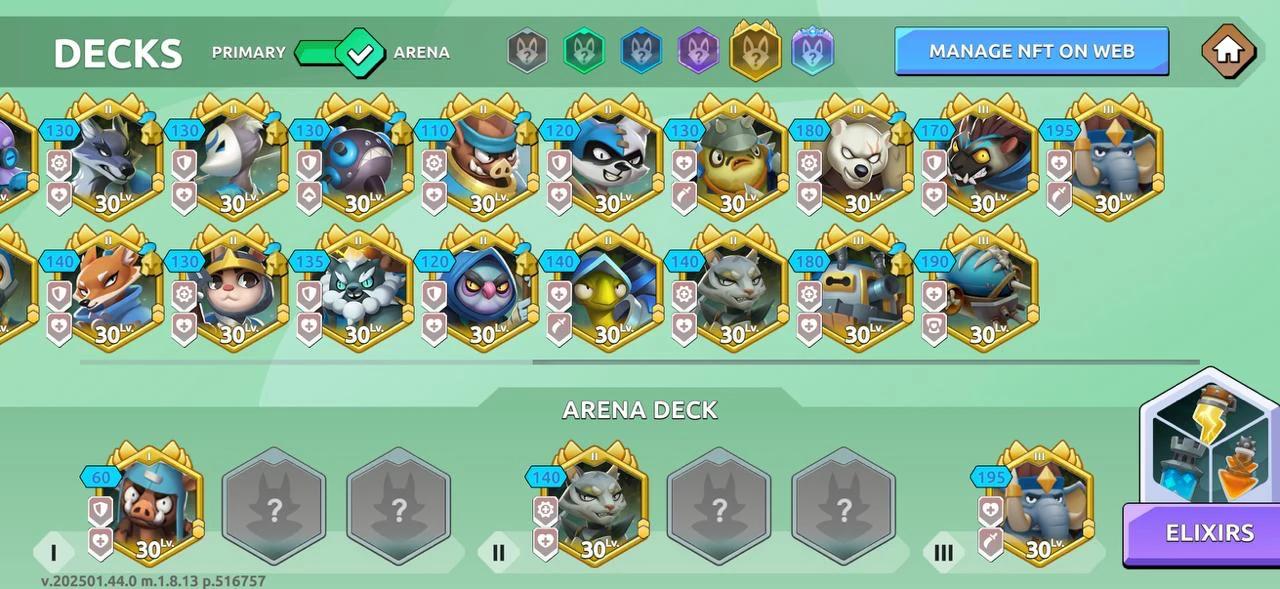
Choose units from the available roster to populate the deck. For your first experiment, keep the composition manageable: select units you want to learn and read their descriptions. You are testing a plan, so avoid changing every unit between matches before you understand what each contributes.
Set a unit's level and rarity
Open a unit's settings. The official example shows separate Level and Rarity controls, together with its abilities and combat statistics. Adjust the available settings and review the resulting unit before moving on.
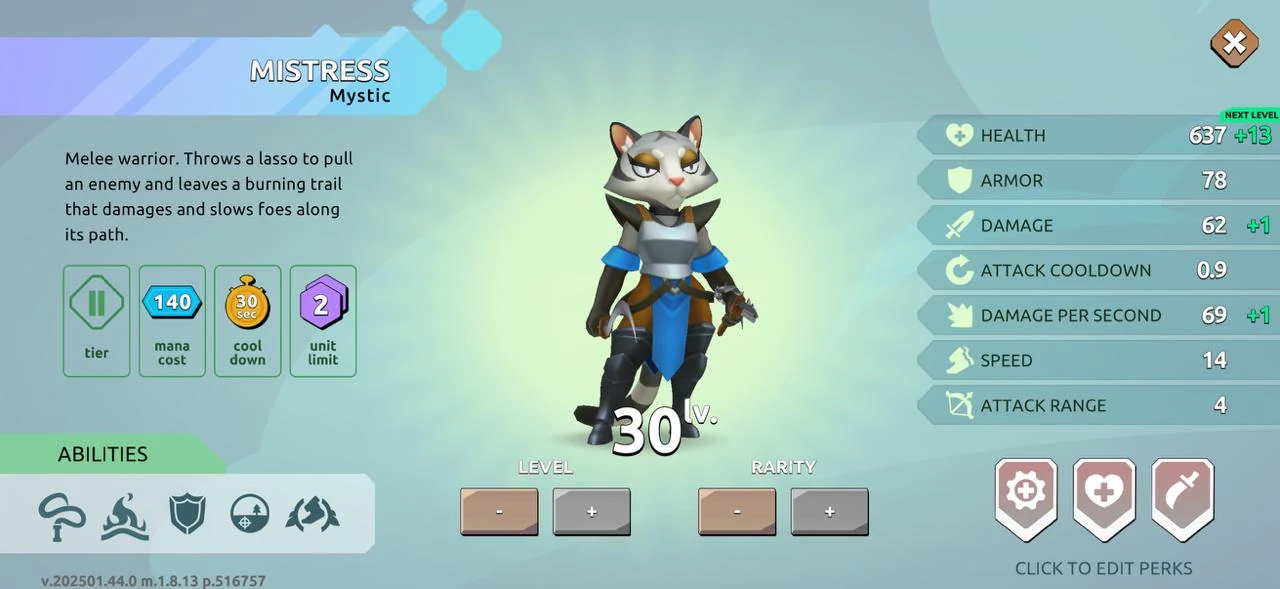
Do not assume that selecting the largest numbers creates a useful composition. Read the unit's role, abilities, and resource information, then decide what you want it to do in your test. Keep a note of the settings you chose so you can compare your next attempt meaningfully.
Choose and confirm perks
Select a perk slot to open Select Perk. Browse the available choices, read the selected perk's effect, then press Confirm. Repeat for the slots you want to configure.
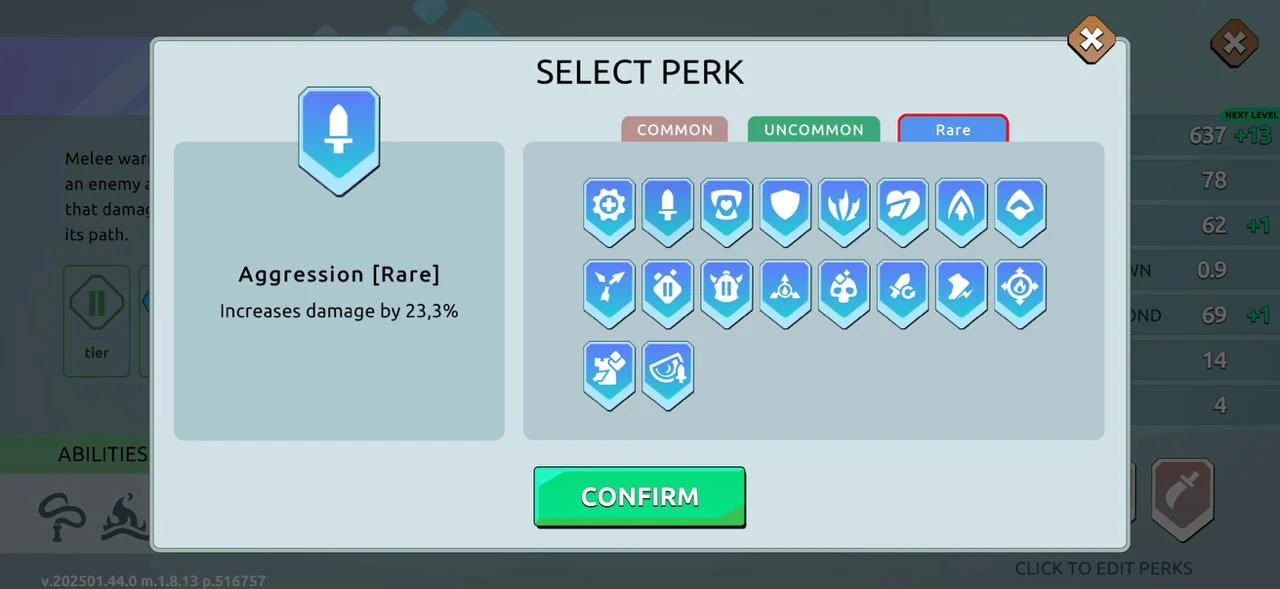
The illustrated percentages are examples from the official announcement. Use the current in-game descriptions for your build. The developer also says Arena availability can vary by season, including the units, ranks, or perks offered; build around the options actually displayed.
Run a controlled test
Arena Decks are supported in Private Battles, making a practice match with a friend a useful first test. Keep the deck unchanged for that match, identify one weakness, and adjust one unit or perk afterward. Arena also has its own matchmaking and rating system, so distinguish practice from a rated queue before starting.
Screenshots come from Wild Forest's official documentation. Features can change, so check the game for current details.
Next step: Review the official Arena Deck instructions and configure one deck for a Private Battle.